Fix your VPS from your phone
Something breaks while you are away from your laptop. A site is down, a disk is full, a service has stopped.
VpsPilot lets you look at the server and fix it from your Android phone, with plans you can read and steps that ask before they do anything risky.
Know how the server is doing
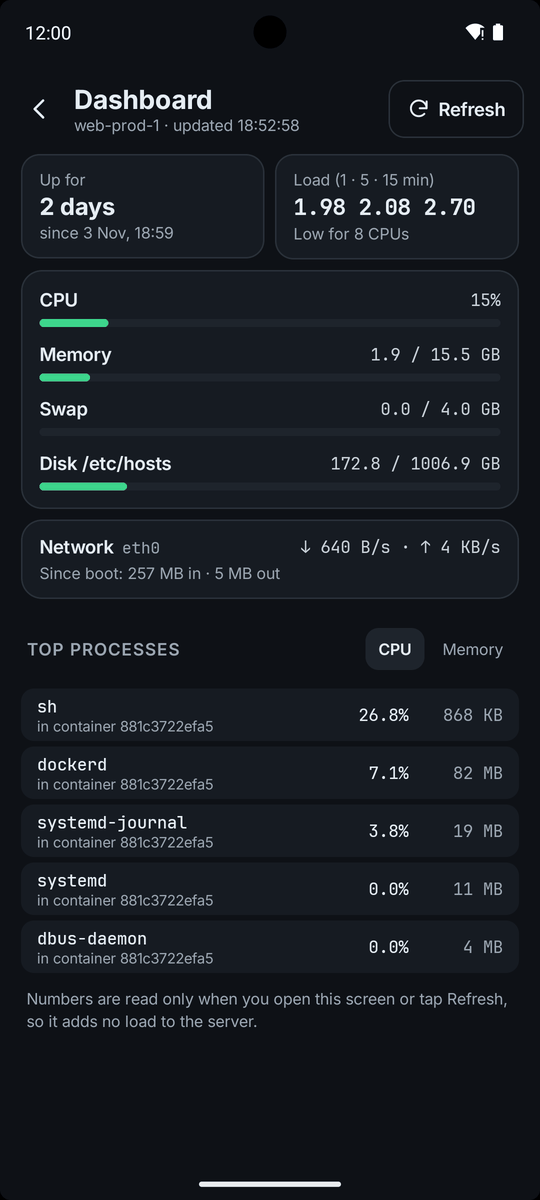
Open Dashboard to see uptime, load, CPU, memory, swap, disk use for each mount, network speed and the top processes. A disk that is nearly full is marked Almost full. Tap Refresh to read the numbers again. About the dashboard.
Restart what stopped
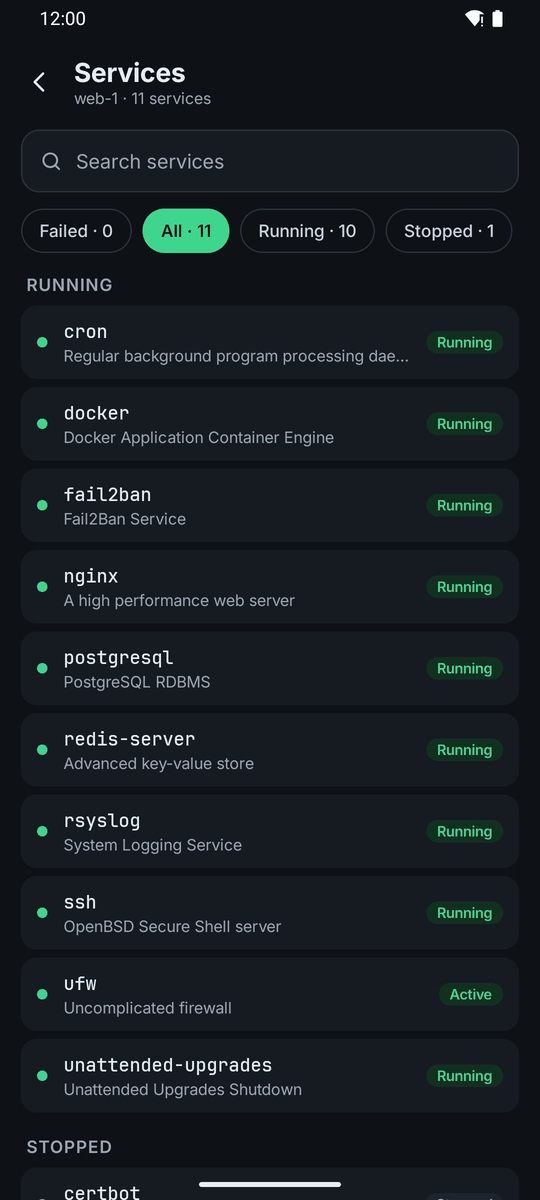
Services lists what is running, and puts what Needs attention first. Open one to Start, Restart or Stop it, and read its recent logs. In the logs, pick a time range, search, or turn on Errors only.
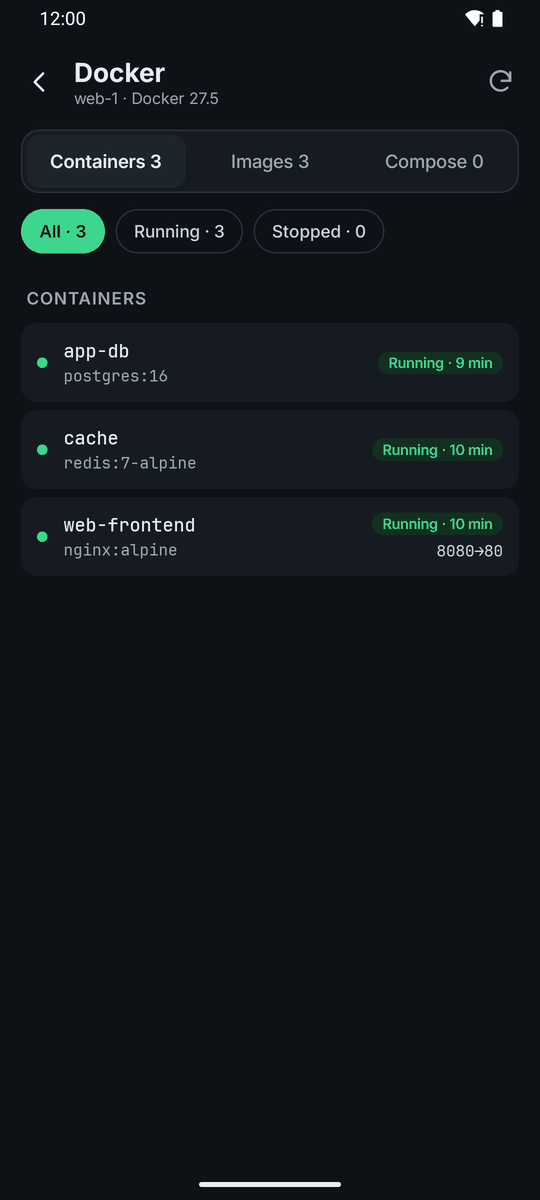
Docker has Containers, Images and Compose tabs, with Restart and Stop for each container.
Check for weak spots
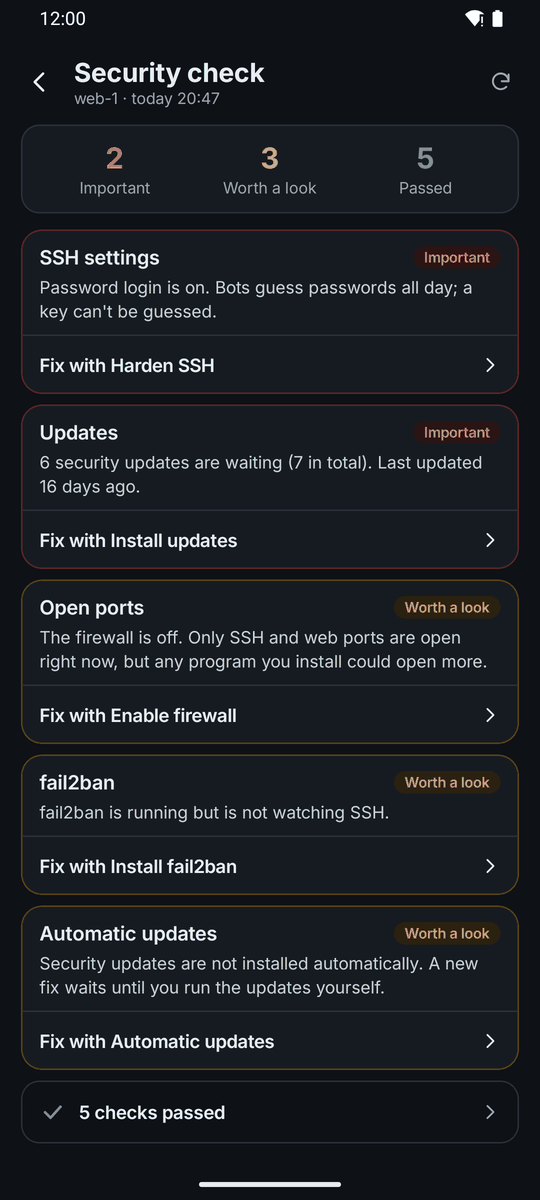
Security reads the server and lists what to fix: SSH settings, open ports, updates, failed logins and more. Findings are sorted into Important and Worth a look, and some have a Fix with button. What it checks.
Guided fixes, with the plan first
A workflow shows the plan and every command before it runs. Risky steps ask you first, one at a time.
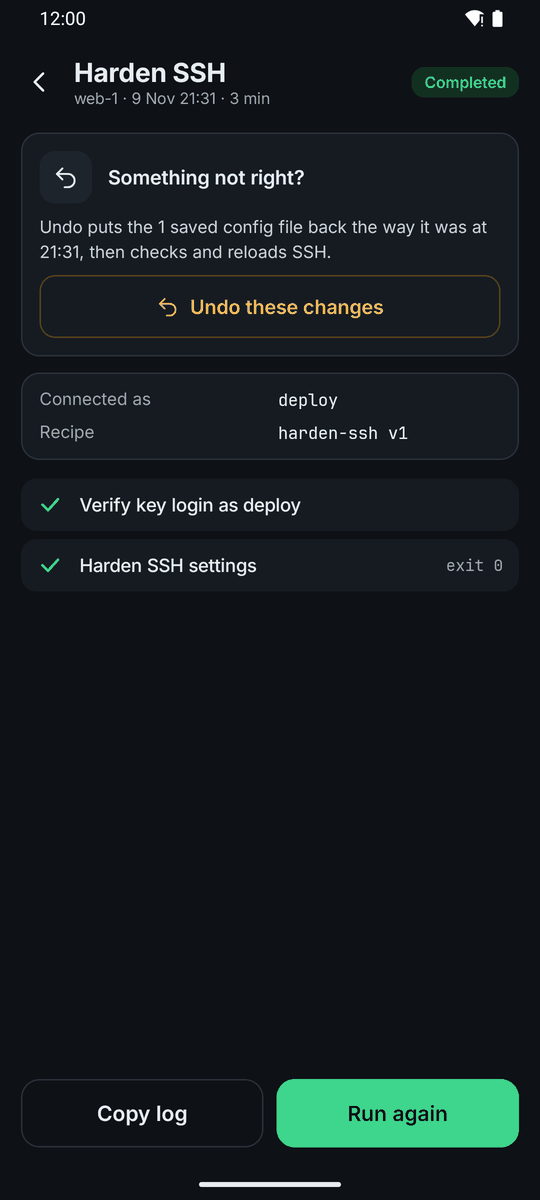
If a workflow changes configuration files, it can save a snapshot first. After the run, Undo these changes puts the files back, checks them and reloads the service. How workflows run.
Backups that run without your phone
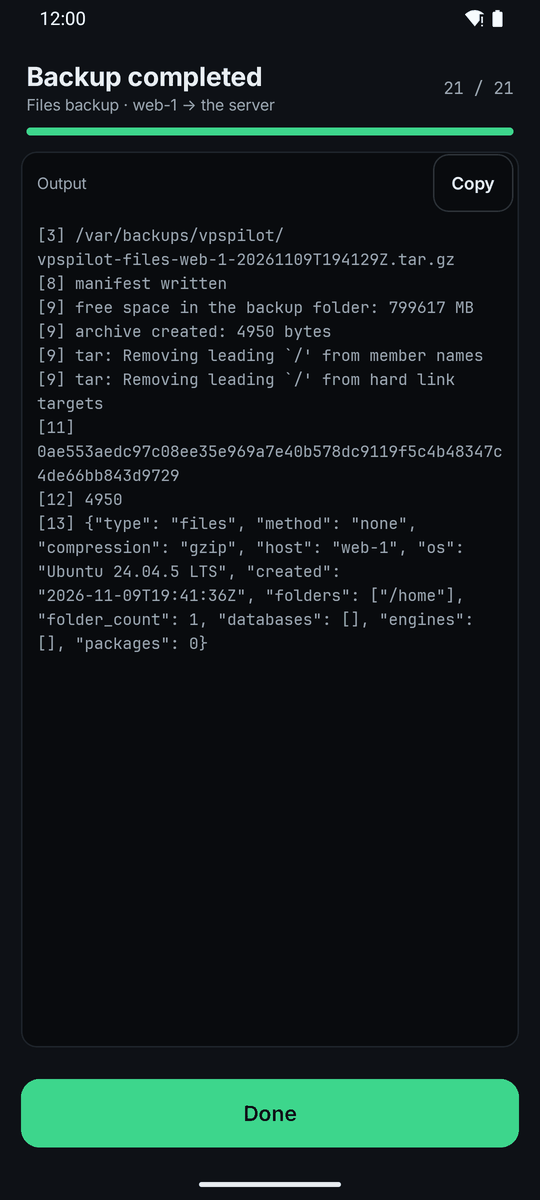
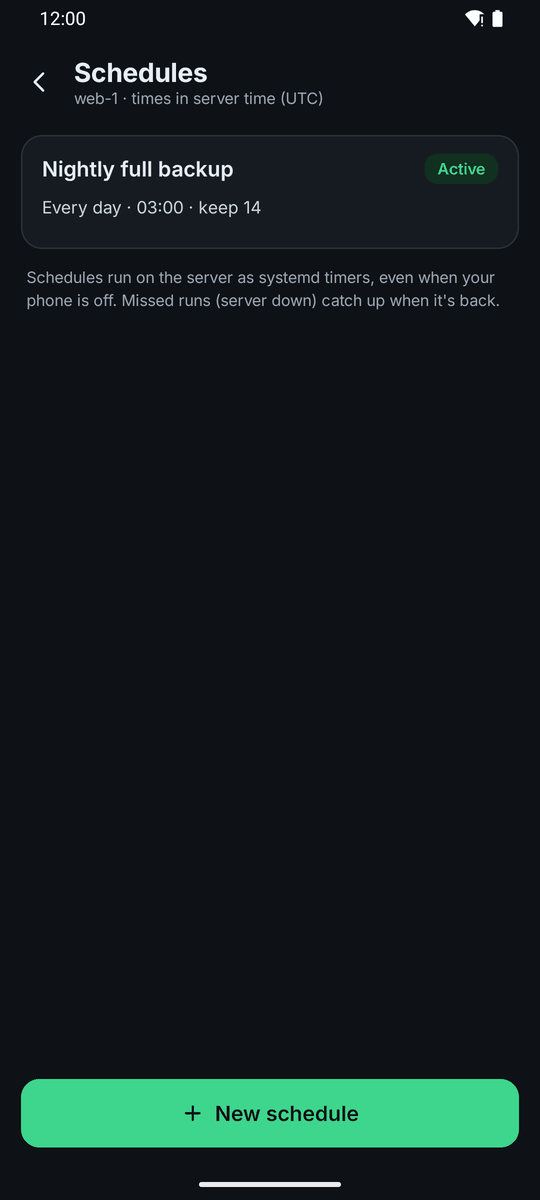
Back up files and databases, and restore them when you need to. Schedules are systemd timers on the server, so they run when your phone is off. A run missed while the server was down catches up when it is back. Turn on Job alerts to hear when a job fails. Backups and schedules.
Deploy, and keep runs going
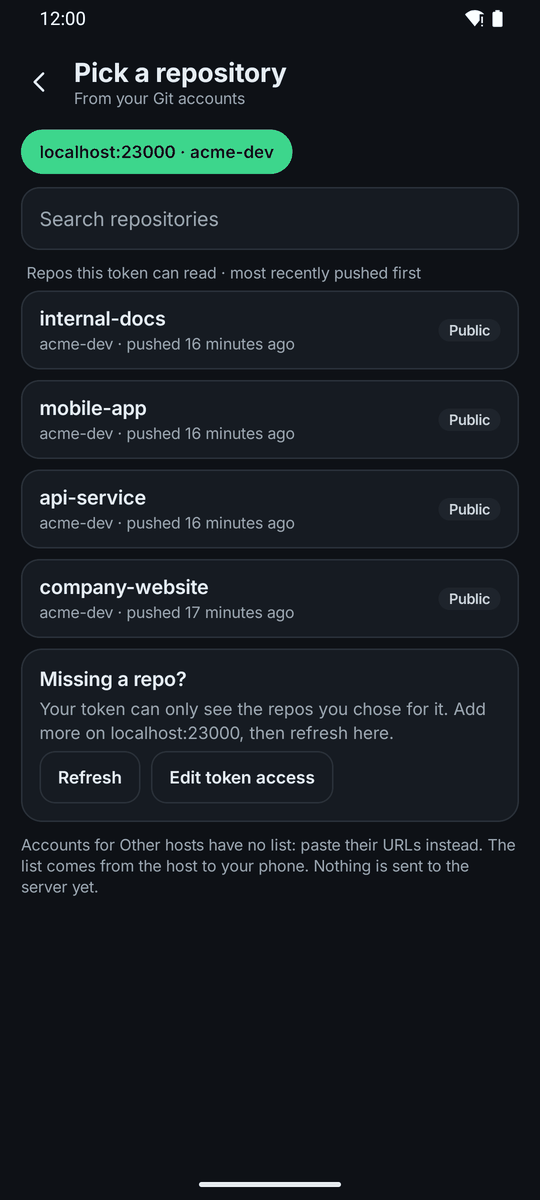
Add a Git account, then Deploy from Git pulls, builds and restarts in one run. How Git deploys work.
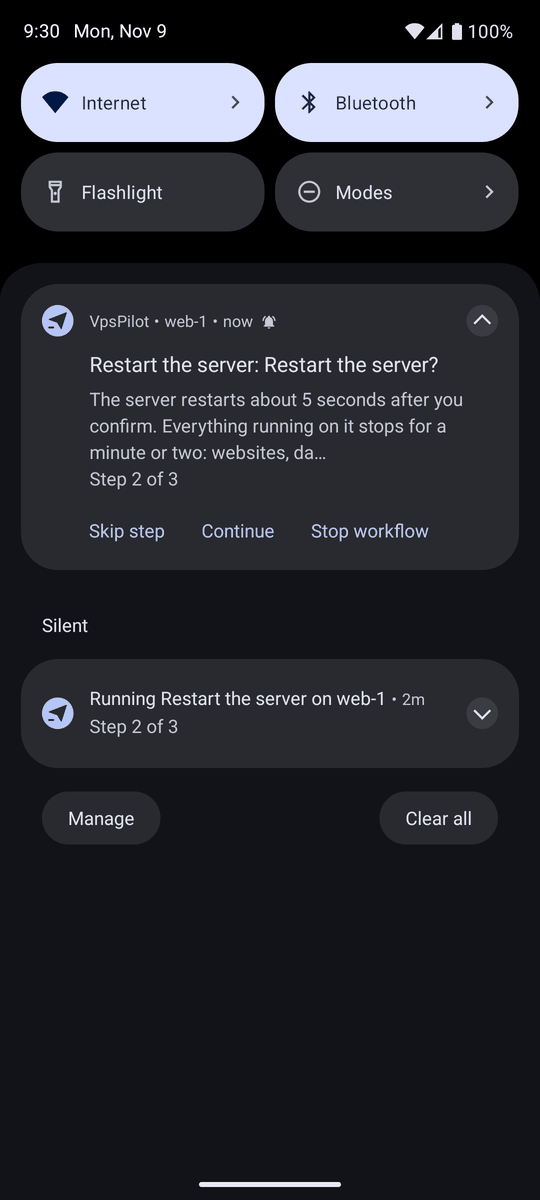
A run keeps going when you leave the screen. When a step needs you, a notification asks: Run this step, Skip step or Stop workflow. Running now lists every run in progress.
Private by design
VpsPilot has no account, no ads and no tracking. Your servers, keys and history stay on your phone. Private keys are protected by the Android Keystore. Read the Privacy Policy.
Supported systems
Debian, Ubuntu, Rocky Linux and AlmaLinux.
Try it free
14 days free, then $2.99 a month or $19.99 a year, billed through Google Play. See Pricing.

Learn more
Getting started, Running workflows, Services and Docker, Backups and schedules and all features. Prefer a plain terminal? See An SSH client for Android.