An SSH client for Android that works like a real terminal
Typing in a shell on a phone is hard. There is no Ctrl, no Esc and no Tab, and your key sits in a file you have to guard. VpsPilot is an Android SSH client built for this.
You get a proper terminal, your files and your keys in one app, and no account to create.
A real terminal
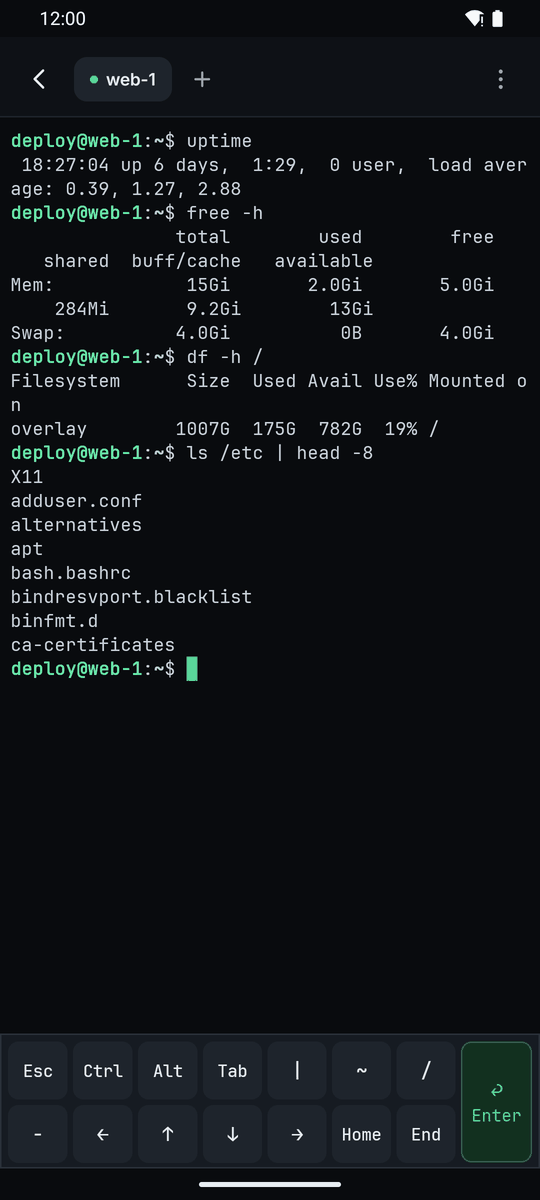
Open a real shell on your server. The key bar under the terminal has the keys a phone keyboard lacks: Esc, Ctrl, Alt, Tab, the arrows, Home and End. Ctrl and Alt stay on until you tap the next key, so Ctrl+C and Ctrl+R work as they do on a computer.
Tap New session to get another shell on the same server. Several sessions can be open at once. How the terminal works.
Keys that stay on your phone
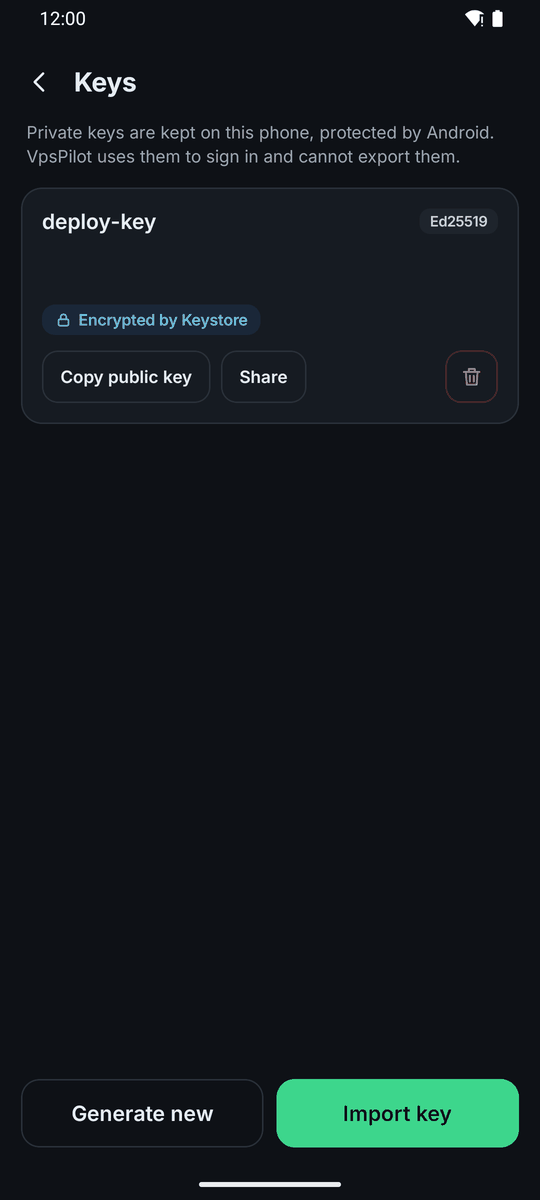
Generate a key on the phone. It is kept in the Android Keystore, and the app can use it but never read it. Set a key to Require fingerprint/PIN, and it unlocks only with your fingerprint or screen lock.
You can also import a key you already have. See how keys are stored.
Files and a safe editor
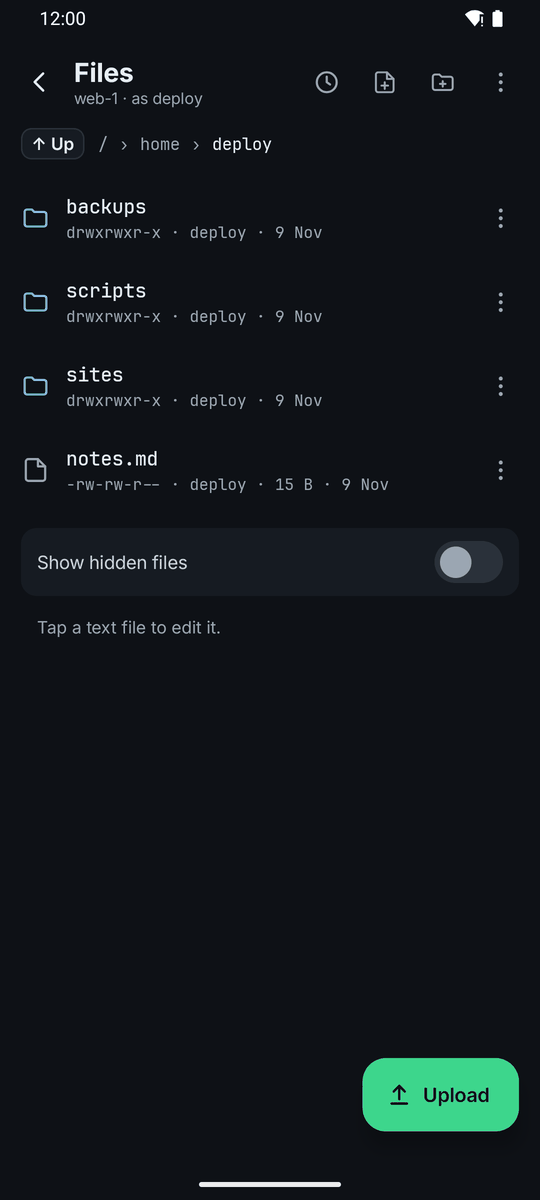
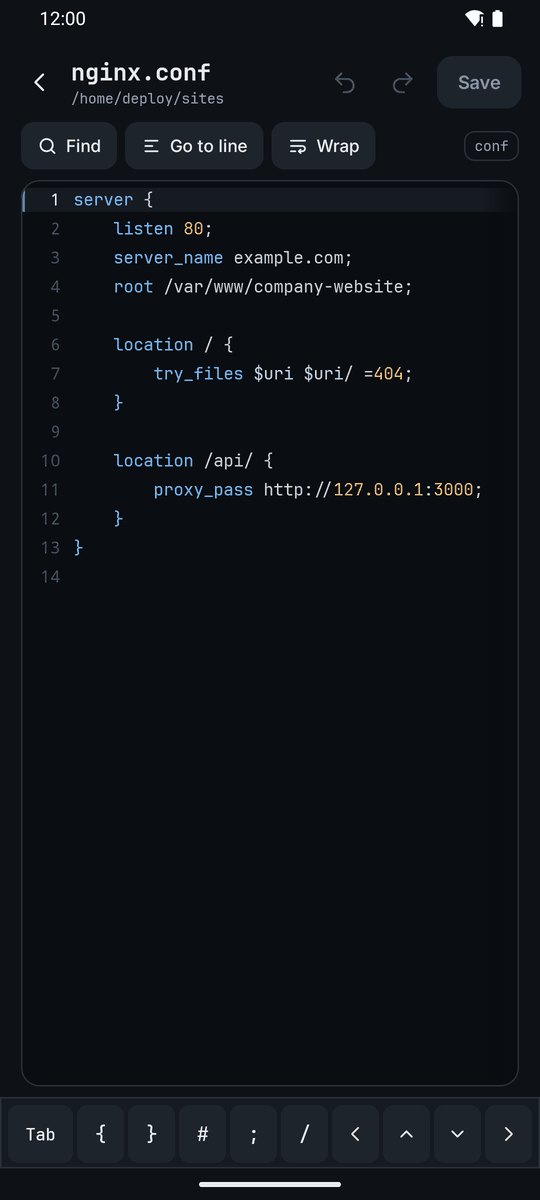
Browse the server over SFTP. Upload, download, rename and change permissions. Tap a text file to edit it.
Saving keeps a backup of the previous version first. If the file needs root, use Save with sudo. For known configuration files the editor runs the file's own check, such as nginx -t or sshd -t, and offers to reload the service only if the check passes.
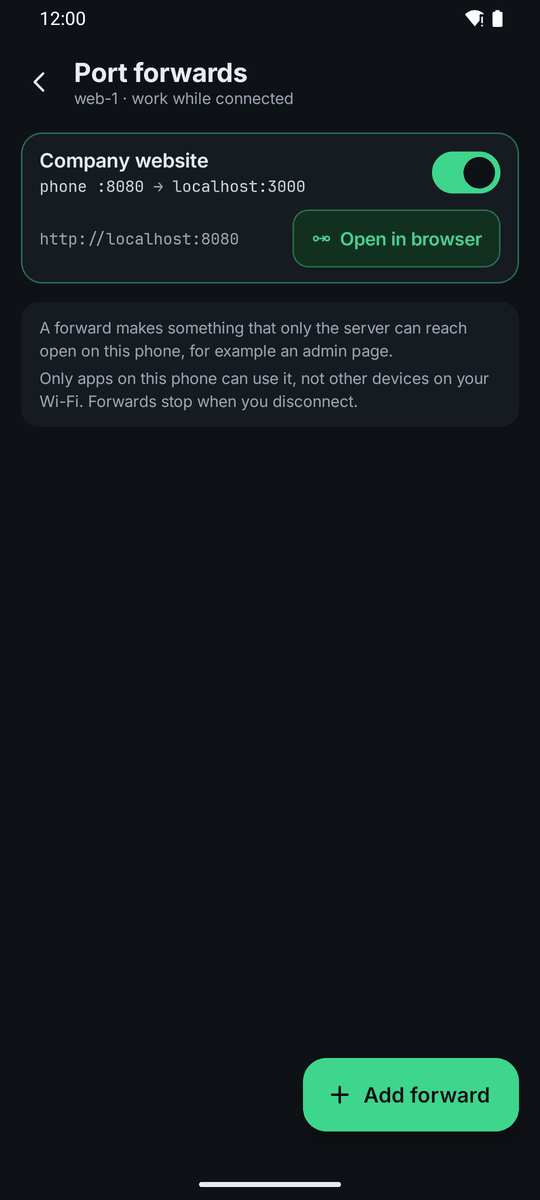
Port forwarding
Some pages only listen on localhost on the server. Add a forward, and the page opens on your phone. Turn on It's a web page to get an Open in browser button. Only apps on your phone can use a forward.
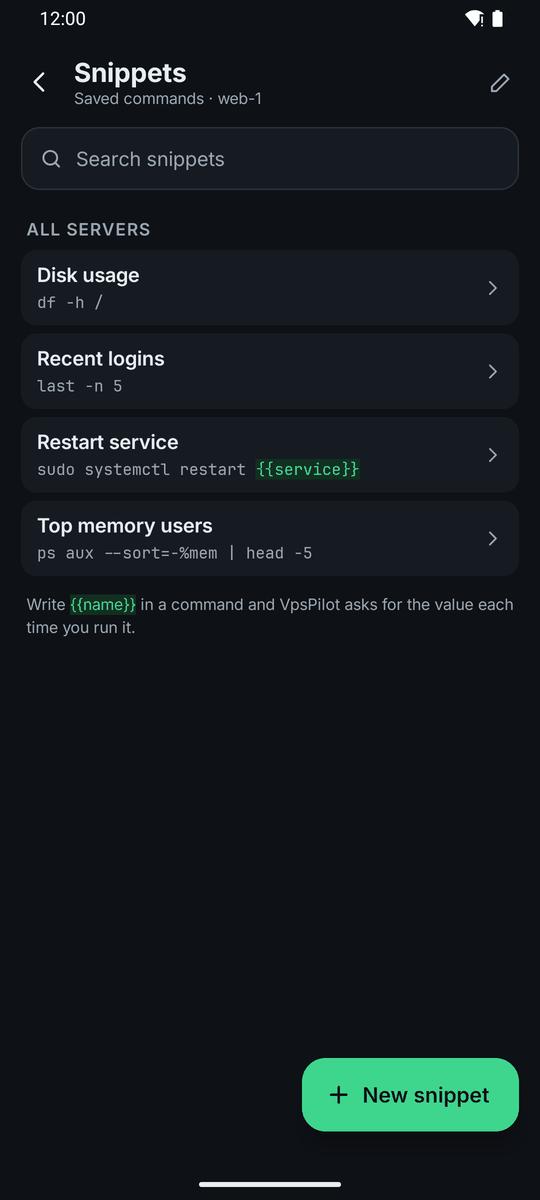
Snippets and saved secrets
Save the commands you type often. Run once shows the output on the same screen. Run in terminal sends the command to a session. Write {{port}} where a value goes, and the app asks for it and quotes it safely.
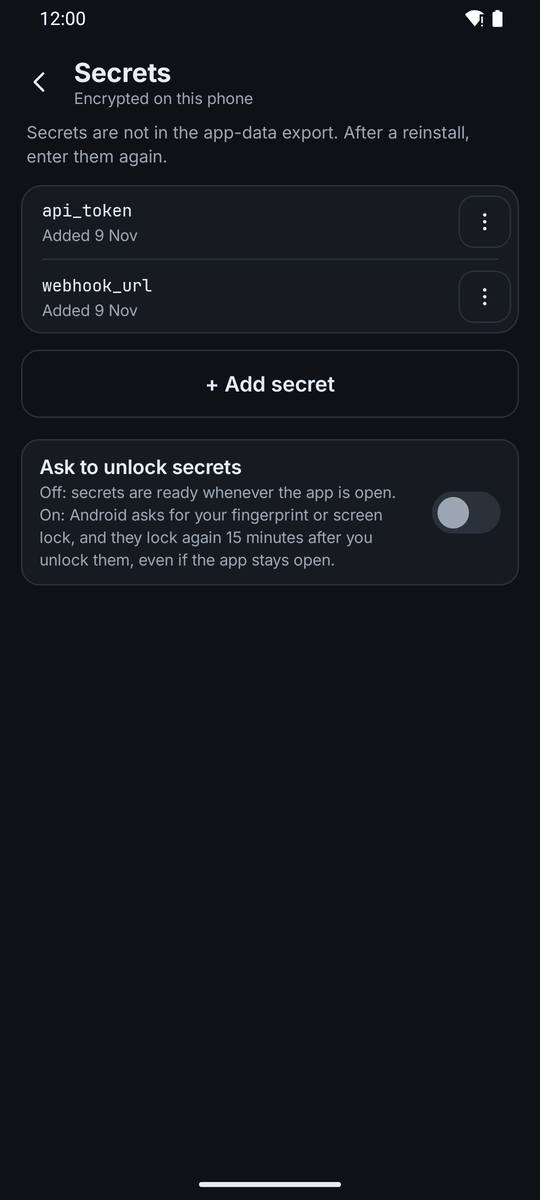
Save a token or a password once under Settings, then Secrets. It is encrypted on your phone and never shown again. Use it by name as {{secret.name}}. The value is sent to the server in a hidden way, never in the command line or history. See Snippets.
More than a terminal
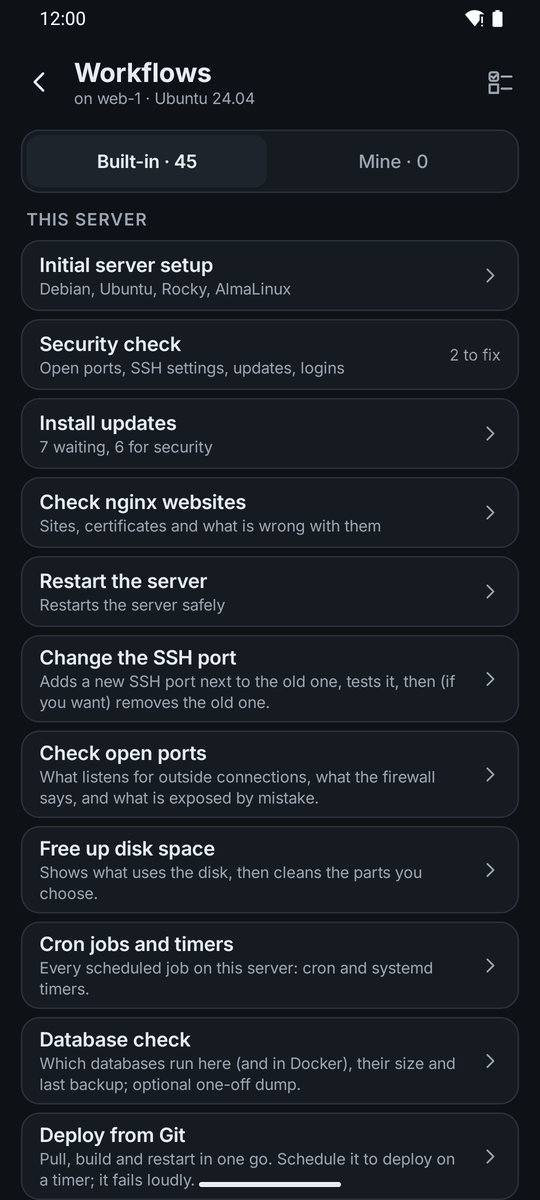
A terminal is the start. VpsPilot also runs guided workflows: first-time server setup, SSH hardening, backups, Docker and Git deploys. Each one shows the commands before they run and asks before a risky step. How workflows run.
Private by design
VpsPilot has no account, no ads and no tracking. Your servers, keys and history stay on your phone. Private keys are protected by the Android Keystore. Read the Privacy Policy.
Supported systems
Debian, Ubuntu, Rocky Linux and AlmaLinux.
Try it free
14 days free, then $2.99 a month or $19.99 a year, billed through Google Play. See Pricing.

Learn more
Getting started, Terminal and files, Snippets, Security and all features. To run a server from your phone, see Manage a VPS from your Android phone.